Review lifecycle
Compliance decisions: every approval, with the person who checked it.
Your officer recommends a decision with a reason, and a checker or the MLRO approves it. Each decision is recorded with its reason and what was still open, so the case can be reconstructed later.
- RecommendationOfficerApprove · evidence complete
- Open itemsScreening and requestsNone open
- Due diligenceClassification agentStandard · no EDD
Recommended by the officer; the checker sees the reason, the open items and the evidence.
How it works
Recommend with a reason. Clear what is open. Check with a second person. Route to the MLRO when needed. Record the decision.
- 01RecommendRecommendationApproveReasonEvidence completeRecommended byOfficer
The officer reviews the case and recommends a decision, with a reason code and, if needed, a note.
- 02ClearOpen itemsScreening hits0 openInformation requests0 openResidual riskNot needed
Open screening hits and information requests block approval. They are resolved, or the officer or the MLRO accepts the remaining risk for the case, with a reason on the record.
- 03CheckYour callApproveReturnApproved by the checkerChecker · not the officer
A checker approves, rejects or returns the recommendation. A checker never approves a case they recommended.
- 04RouteDue diligenceStandardMLRONot needed for this case
Enhanced due diligence cases go to the MLRO before they can be approved, and escalated cases wait for the MLRO.
- 05RecordDecision recordRecordKYC-2026-0418Chainsha256:7d2c…19abSign-offsOfficer · checkerExport PDF
Each decision is written to the hash-chained audit trail with its reason code, and the evidence pack lists every move in the case.
For KYC/AML cases: the officer, the checker and the MLRO, each with their own permissions.
The product
Four eyes, one accountable decision
A checker in cmpliance questions a recommendation, sees the answer and decides, and the exchange stays in the evidence pack.
The record
What should a sign-off record show?
Months later, an auditor or a new officer has to answer five questions from the record alone.
- Who recommended the decision, and for which reason.Sign-off recordQuestion for the recordDone ·OfficerReason coderecorded
- What was still open when it was decided: hits, information requests or accepted risk.Open itemsQuestion for the recordDone ·HitsRequestsnone open
- Whether the case needed the MLRO, and what the MLRO decided.RoutingQuestion for the recordDone ·Standardno MLRO needed
- In which order the case moved, and who moved it.Decision trailQuestion for the recordDone ·Each moveWhoWhenin order
- Who approved the customer, and when.Your callM. Fischer
Without a record: open questions months later.
cmpliance: answered from the record, with who decided and why.
The roles
Three roles, one decision
Three people can take part in a decision, each with their own permissions.
The officer recommends a decision, and can reject, escalate, ask for remediation or accept the remaining risk alone.
The checker approves, rejects or returns a recommendation, and never approves one they made.
Enhanced due diligence cases go to the MLRO before any approval, and escalated cases wait for the MLRO.
The record names who held each role for this decision.
The trail
An approved status is not the record
A status says approved. The record says more: who recommended the decision and why, who checked it, what was still open, and the order in which it happened.
A status says approved.
Approved- The recommendationOfficer · reason code
- The checkChecker · not the officer
- Open itemsNone open
- The orderEach move with its time
- Approval comes from a checker or the MLRO, and a checker never approves a case they recommended.
- Open hits and information requests block approval until they are resolved, or until the officer or the MLRO accepts the remaining risk for the case, with a reason.
- Each decision is written to a hash-chained audit trail that an authorised user can verify.
Insights
Related reading

Four-eyes review: what happens when the checker challenges the recommendation?
A second reviewer should be able to question a recommendation, see the answer and decide whether it is sufficient. This cmpliance walkthrough follows that exchange into the evidence pack.
Read the article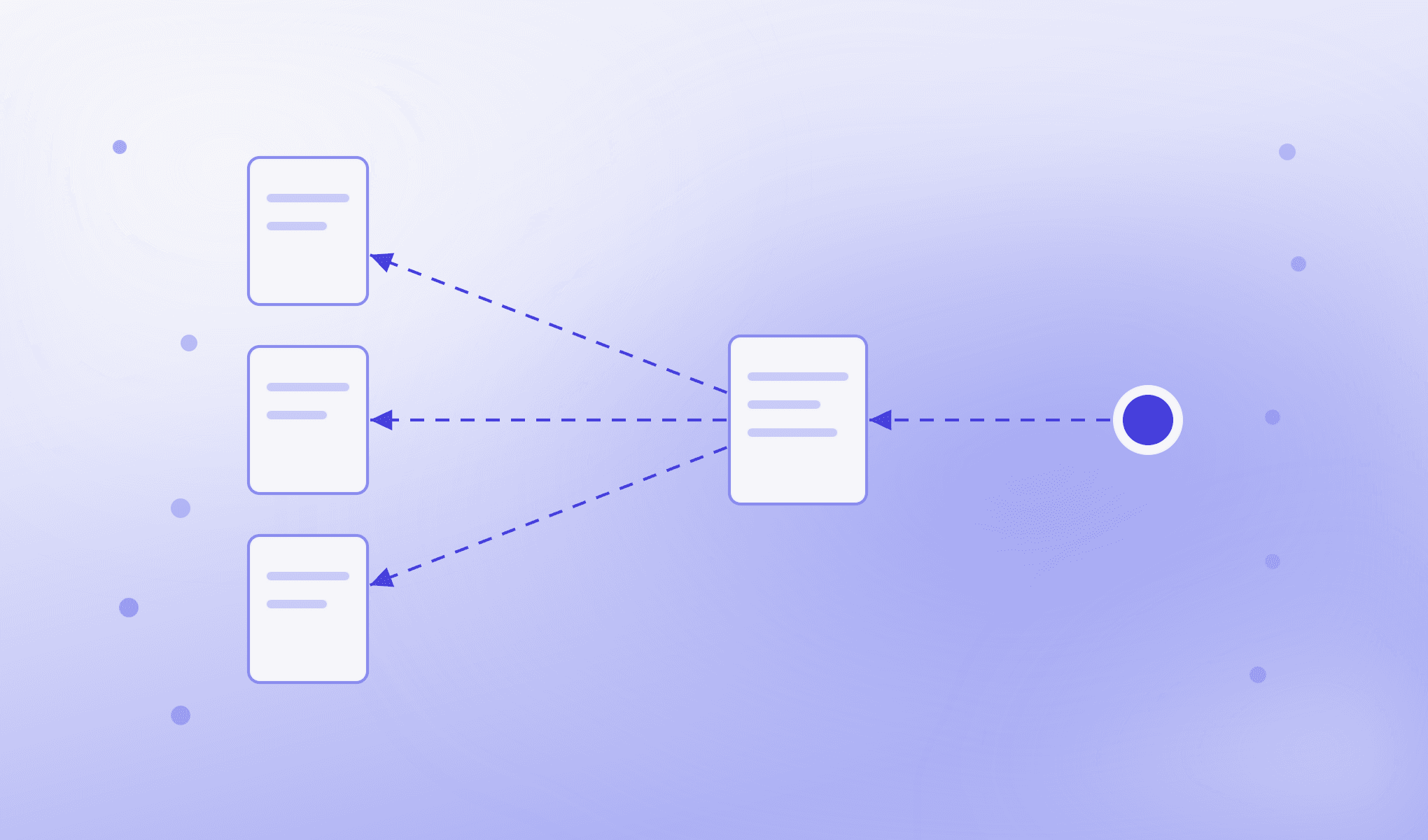
Why did we approve this customer? Reconstructing the decision
An approved status tells a reviewer what happened. Explaining why requires the source evidence, human rationale and recorded actions that supported the decision. This cmpliance walkthrough follows that reconstruction.
Read the article
A new signal. A new review. What happens when evidence changes after approval
Approval is a point in time. When a new sanctions signal arrives for an approved customer, a reassessment opens against the approved baseline, the comparison shows what changed, and an analyst decides.
Read the article
Common questions
Who can approve a customer?
A checker or the MLRO. A checker never approves a case they recommended, and an officer cannot approve at all. An officer can reject a case, escalate it or ask for remediation alone.
Can a setting let others approve a case?
No. In a KYC/AML case, approval only comes from a checker or the MLRO, and no setting changes that.
What has to come with a decision?
A reason code, and an optional note. The open hits and information requests at that moment are recorded with it.
What happens if a hit reopens during sign-off?
If a screening hit reopens or a new information request is opened while the case waits for sign-off, the case goes back to the officer and the recommendation has to be made again.
Can administrators or API keys approve cases?
No. A case decision needs a named reviewer, logged in, with the right role. Administrators and API keys cannot decide a case.
What is recorded for each decision?
Decisions and accepted residual risk are written to the audit trail with the action, the reason code, who took it, in which role and when. Workflow moves, such as closing a case, are kept as transitions with the person who made them.
How is a decision reconstructed later?
From the sign-off record in the case and the evidence pack: each move from one state to the next, who made it and when, the reason for each decision, the sign-offs and any accepted risk.